WAYNE MANOR HOUSEHOLD ON DUTY
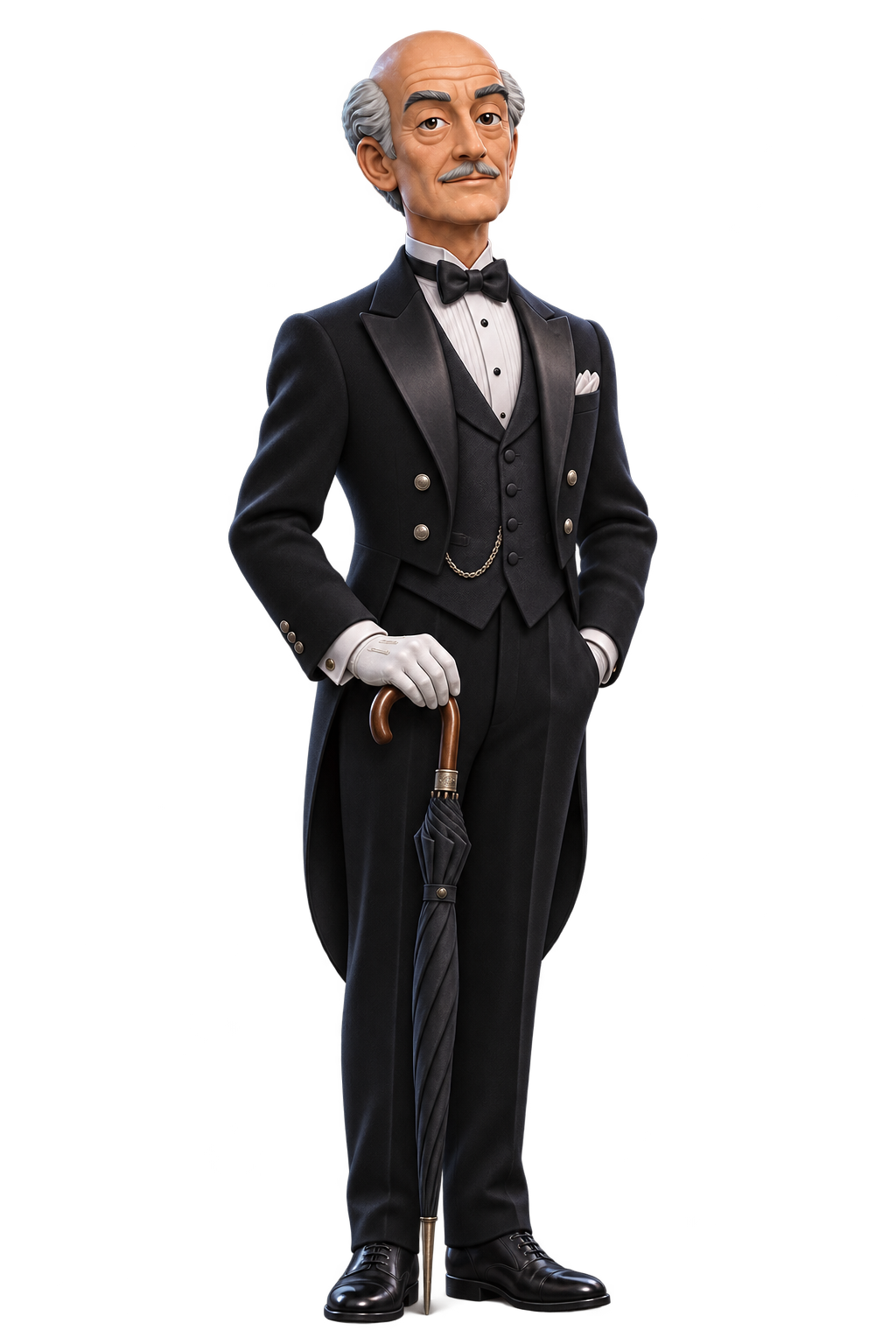
Alfred
Devoted, dry-witted, and already concerned about that tab you opened three Tuesdays ago.
“I shall keep the tabs in order, sir. Someone must.”
 bunnytab.
Get a beta invite
A FREE, OPEN-SOURCE MACOS BROWSER INSPIRED BY ARC
Bunnytab keeps your tabs in a sidebar, suggests groups for related pages, pins notes to websites, and puts two pages side by side. Alfred or Dwight brings the personality.
Who’s taking you around?
Pick your guide. They’ll show you what Bunnytab can do. Expect opinions.
Devoted, dry-witted, and already concerned about that tab you opened three Tuesdays ago.
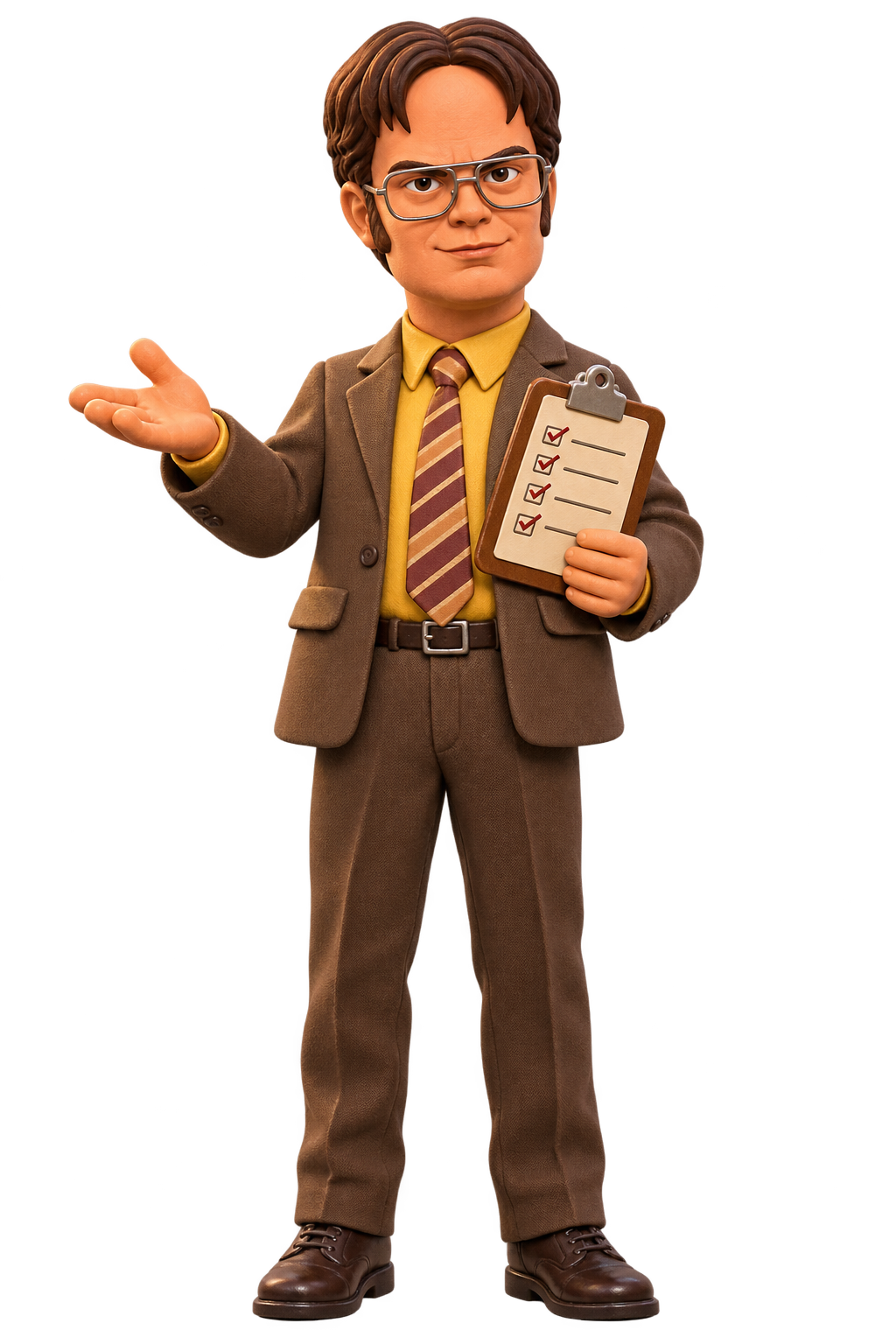
Survivalist. Rule-maker. Loyal colleague. He has classified the snacks as a security risk.
Choose a guide to start the ride. You can switch the browser theme later.
BUNNYTAB PRESENTS: THE TAB COASTER ✳
Pin a sticky note to a page. Come back to that address and the note returns to its saved spot. It stays on this Mac.
I’ve left a note beside the page, sir. Your future self will be most grateful.
— ALFRED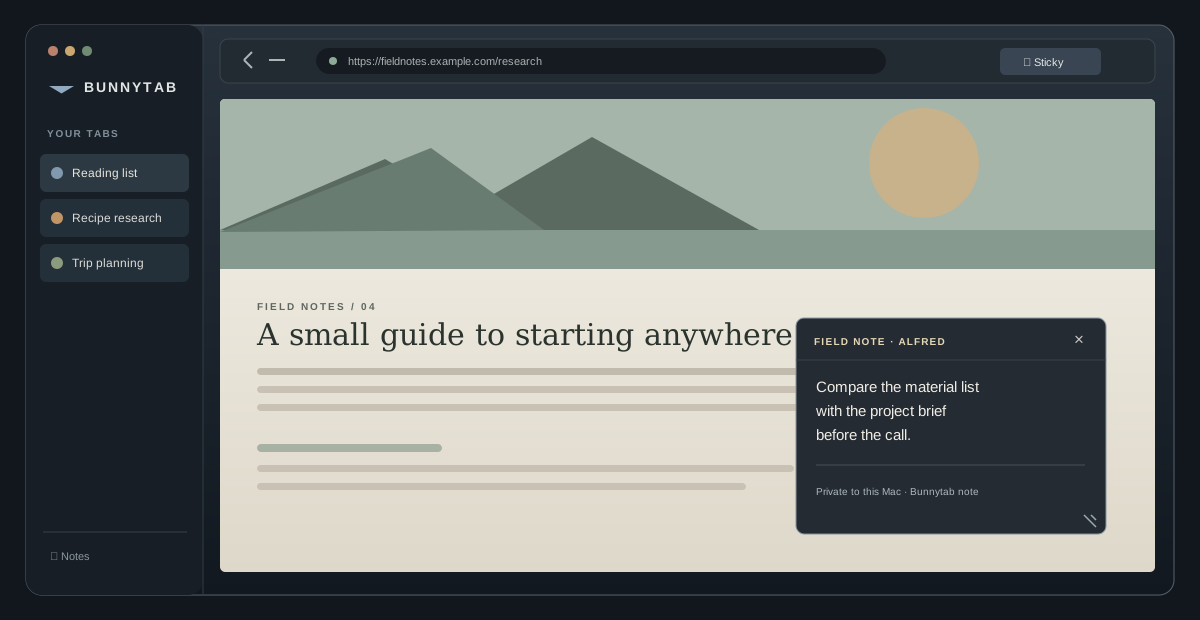
Notes are stored locally and attached to the page address. No Bunnytab account or sync.
WHAT BUNNYTAB ACTUALLY DOES
Pin a movable sticky note to a website. Return to that page and it’s back where you left it, stored on this Mac.
Bunnytab suggests groups from tab names, sites, and activity. You decide whether to create the group; it never moves tabs on its own.
Allow a site to send notifications through Alfred or Dwight. After idle tabs build up, Bunnytab asks before archiving them.
Sidebar tabs, ⌘T, pinned pages, history, saved sessions, separate profiles, and split view for two pages.
This is an early Mac beta. Browser data stays on your Mac. Cloud sync, Chrome extension installation, Arc Peek, and Boosts aren’t included yet.
THE BETA WAITLIST A FEW SEATS LEFT
Request an invite to the free, open-source macOS browser beta. Bunnytab brings Arc-inspired sidebar tabs and split view together with page notes, tab-group suggestions, and character-led alerts.
THE OPEN CASE FILE
What would make you switch browsers? What broke? What made you laugh? Alfred will take notes. Dwight will schedule a review.